
Stock up on summer supplies at the Fond du Lac Public Library
Pick up summer party supplies, hiking essentials, kid-friendly activities, and more for free through the Fond du Lac Public Library this summer. With warm weather now here, it’s the perfect time to peruse the library’s collection and make summer plans.
Create the ultimate backyard get-together for all ages by using items in the library’s collection. Borrow a bubble-maker and balloon pump for ambiance and child-friendly fun. Then, use the Fond du Lac Public Library’s projection screen and computer projector to show photos or a movie for all to view.
The library even has a traditional slide projector for people who want to show off old family photos. Don’t forget to borrow a selection of outdoor games such as cornhole or giant checkers for everyone to play.
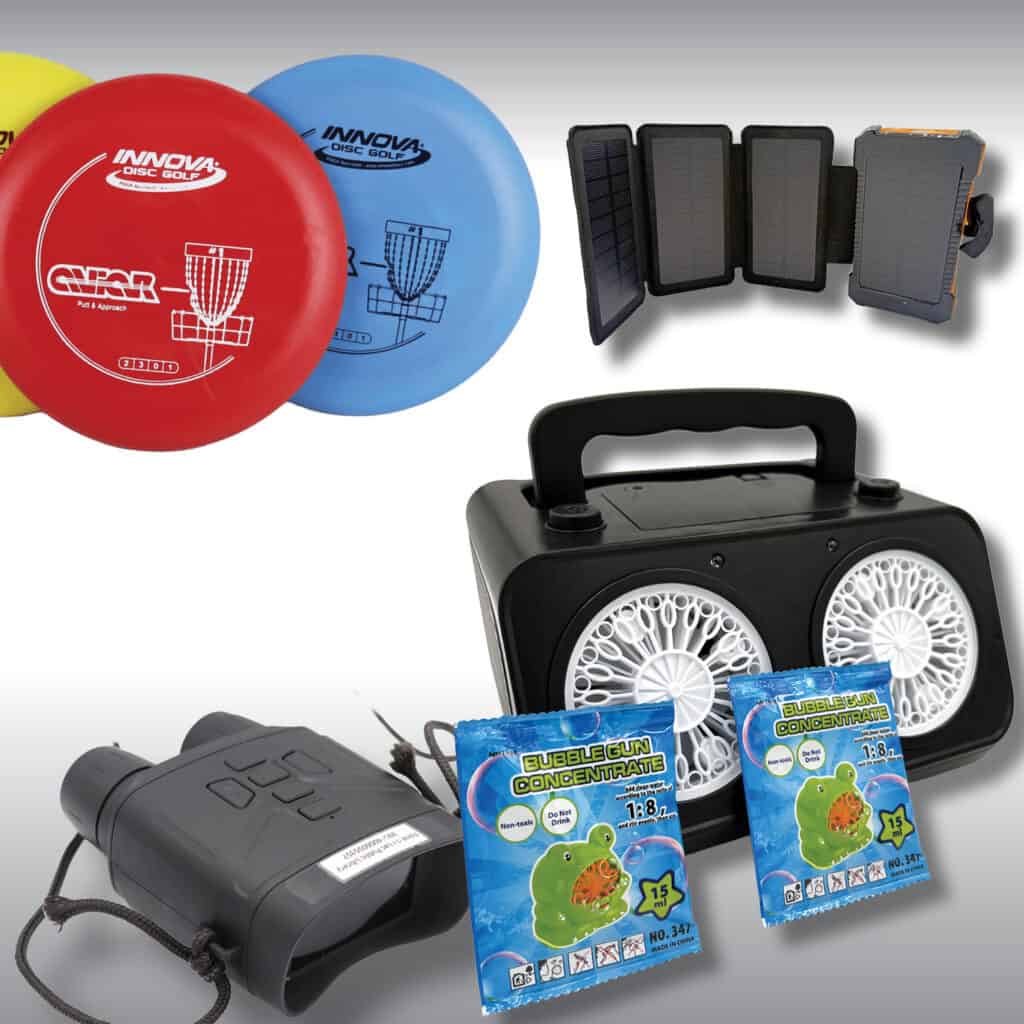
Prefer a quieter weekend out in nature? Start by checking out trekking poles for adults and kids to support a hike. Try picking up a portable light or solar lantern for camping. If you’re bringing a child, visit the library’s Barden Resource Room to grab binoculars, a bug catching kit, and an Adventure Kit filled with a compass and more. The library even has free passes to Wisconsin State Parks; stop by the circulation desk at the Fond du Lac Public Library to pick one up. It’s one of nearly two dozen Experience Passes available at the library that are available on a first-come, first-sererved basis.
For the adventurous person, use the library’s metal detector or magnet fishing magnet for journeys of discovery in Fond du Lac or beyond. Kids can even explore the world through STEM items in the library’s collection such as an aquascope (a microscope for the water) and more.
The Fond du Lac Public Library has many more items you might not expect in its equipment collection. Check everything in the library’s collection at fdlpl.org, or stop by the library to explore the collection.
Prefer to be indoors? The library has plenty of summer activities planned through August as a part of Summer Reading. Learn more about them at fdlpl.org/summer2026.